

Prerequisites
Before you begin, ensure you have a Cerebras API Key. Get an API key from the Cerebras Cloud console.Configure OpenCode
1
Install OpenCode in your terminal
Run the following:
2
Select Cerebras
Run the following command, then select Cerebras from the dropdown menu: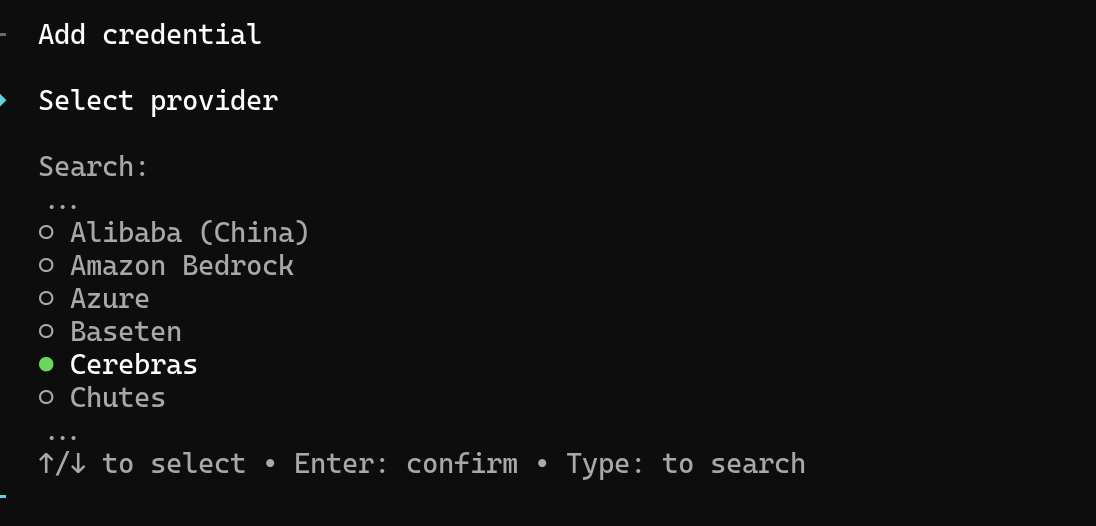
3
Configure API key
Enter your Cerebras API key: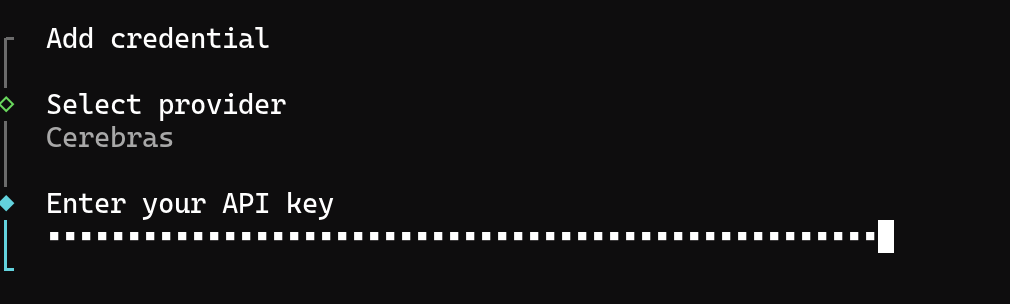
4
Select a model and start coding!
Launch OpenCode in your project directory:Once inside the OpenCode interface, type 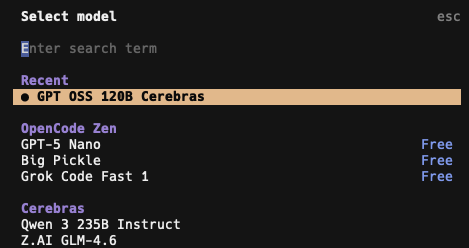
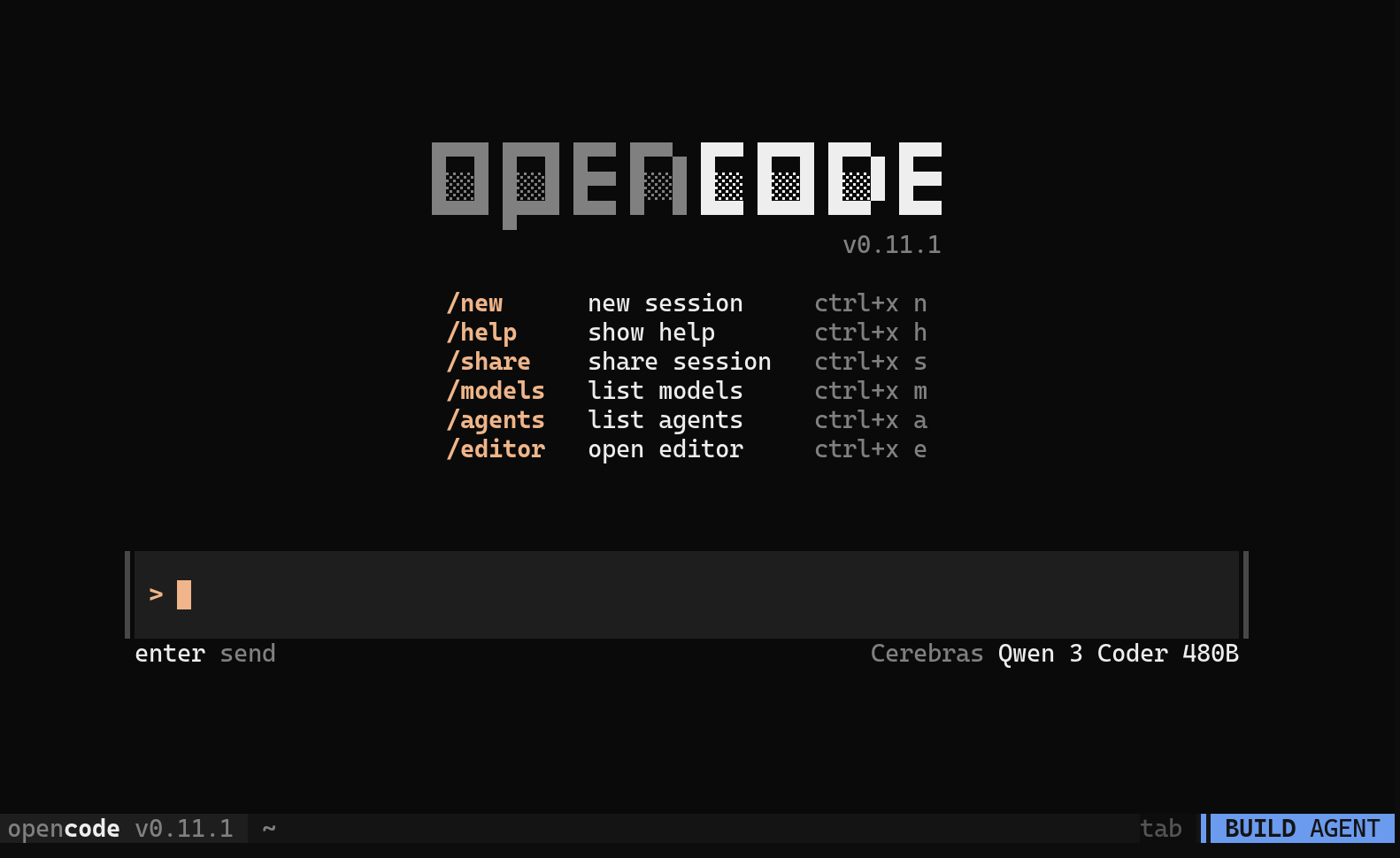
/models and press Enter to open the model selector. Choose a Cerebras model from the list.If a newly released model does not appear, refresh OpenCode’s model catalog, then reopen the model selector:Available Models
OpenCode supports all Cerebras models for AI coding assistance:
You can switch between models at any time by typing
/models inside the OpenCode interface.
If a Cerebras model doesn’t appear in the You can also add a model explicitly through your OpenCode config. Create or edit
/models picker, refresh the OpenCode model cache from your terminal:opencode.json in your project or home directory:Troubleshooting
If you see an error immediately after selecting a Cerebras model:401 Unauthorized— Your API key is missing or invalid. Re-runopencode auth login, select Cerebras, and paste a fresh key from the Cloud Console.403 Forbiddenor “model not available” — Cerebras models in OpenCode require a paid Cerebras plan. Upgrade in the Cloud Console, then restart OpenCode.404 Not Foundor “model not found” — The model ID isn’t recognized by your OpenCode installation. Runopencode models --refreshto update the cached model list, then re-run/models.429 Too Many Requests— You’ve hit a rate limit. Wait and retry, or check your current usage in the Cloud Console.- Missing
opencodecommand after install — Reload your shell (source ~/.zshrcorsource ~/.bashrc) so the new binary is on yourPATH.